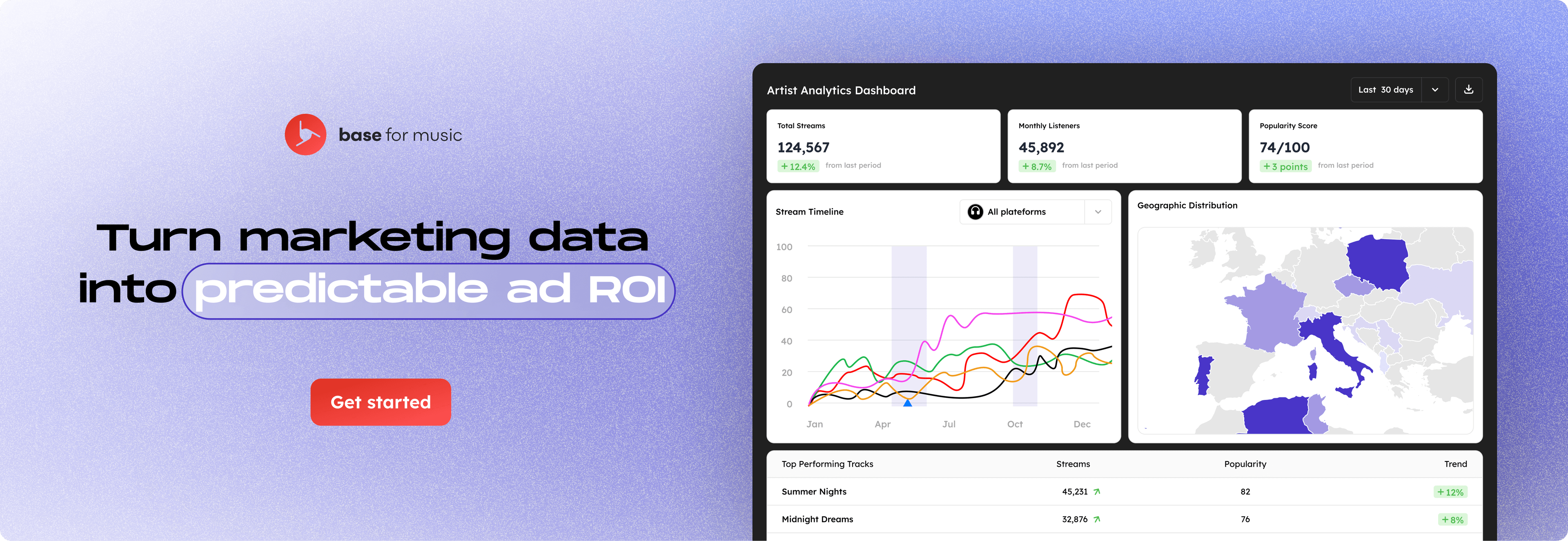
Turning marketing data into predictable ad ROI has always been Base for Music's core mission. Today, we're taking that mission a step further with a major update to your Artist Dashboard.Whether you're an artist running your own campaigns, a producer managing releases, or a label coordinating marketing across a roster, the challenge is the same: too many data points spread across too many places. Our goal with this update was simple: giving you a dashboard that surfaces the right information at the right time, so you spend less time digging for data and more time making strategic decisions.Here's what's changed.Home: Your artist profile, at a glanceThe Home view has been rebuilt around clarity. Instead of scattered metrics, you now get a unified overview of everything happening on an artist's profile: campaign performance, ongoing campaigns, popularity score, fan engagement, top territories, and top performing smartlinks - all grouped together instead of spread across tabs.Campaigns: Know where everything stands, instantlyThe Campaigns view now gives you a global, filterable overview of every campaign running for an artist: its status, spend, and overall performance in a single screen.Instead of opening each campaign individually to check where it stands, you can scan the whole picture at once, filter by what matters to you, and spot what needs attention immediately. Whether you're following a single campaign or several running in parallel, it's a faster way to stay on top of what's working.The tab is now split into two views: “Overview”, for your day-to-day tracking, and a new “Performance” view, where you can group KPIs from multiple campaigns into a single view to see their combined performance and track how it evolves over time.Audience: The full picture, platform by platformThe Audience view now gives you a sharper read on your audience's evolution: Spotify performance (listeners, streams, popularity), follower growth across DSPs and social platforms, and their breakdown by top territories.This matters because audience growth rarely tells one clean story. An artist might be gaining Spotify listeners in one market while growing followers somewhere else entirely on social. Seeing everything together, broken down by territory, makes it easier to understand where momentum is actually building, and where to focus next.Music: Compare, benchmark, and dig deeperThe Music tab has been reorganized around three views: Tracks, Albums, and Benchmark. You can compare track performance across streams and popularity, drill into album-level data to see how each track contributes to a release, and benchmark tracks against each other, all in one place.It's a level of granularity that makes it easier to spot which tracks are driving momentum and which releases deserve more marketing focus.Why this mattersNone of these changes are about adding more data. They're about making the data you already have easier to read, faster to act on, and more connected to strategy. A dashboard is only useful if it helps you decide what to do next and that's exactly what this update was built for.👉 Your new dashboard is ready. Go explore it now!





 Home